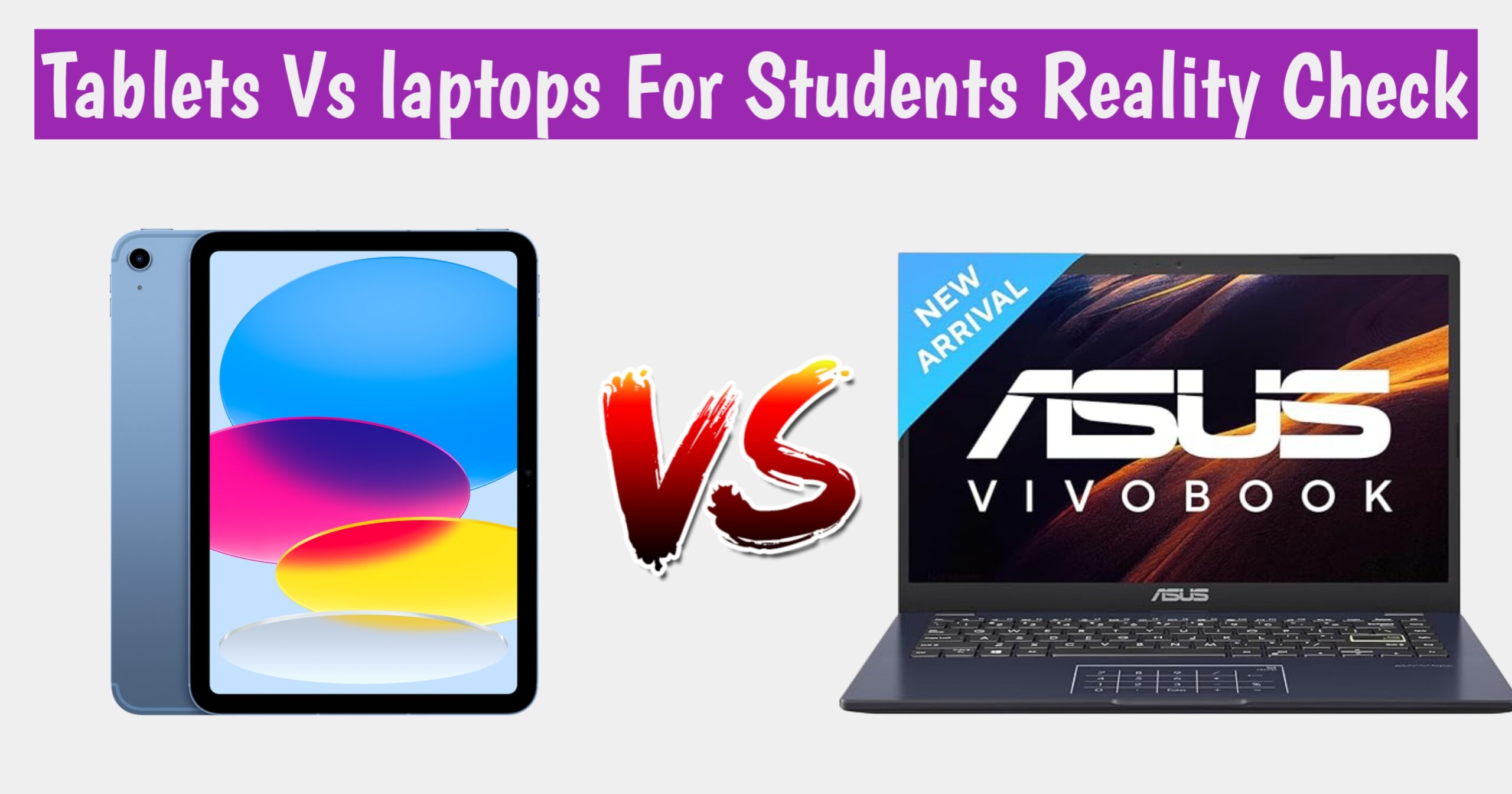
Reality Check – Tablets vs Laptops
1. Portability
- Tablets: Lightweight (300–600g), easy to carry.
- Laptops: Heavier (1.2–2.5kg), less convenient for travel.
2. Performance
- Tablets: Suitable for browsing, note-taking, streaming.
- Laptops: Handle coding, design, simulations, and multitasking.
3. Software Compatibility
- Tablets: Limited to mobile apps.
- Laptops: Full desktop software (AutoCAD, MATLAB, Photoshop).
4. Battery Life
- Tablets: 8–12 hours average.
- Laptops: 5–8 hours average.
5. Cost
- Tablets: ₹15,000–₹40,000.
- Laptops: ₹35,000–₹80,000.
6. Durability
- Tablets: Fragile screens, shorter lifespan.
- Laptops: More robust, longer lifespan.
📊 Comparison Table: Tablets vs Laptops
| Factor | Tablets (2026) | Laptops (2026) |
|---|---|---|
| Portability | Very high | Moderate |
| Performance | Basic tasks only | Advanced tasks supported |
| Software | Mobile apps | Full desktop applications |
| Battery Life | 8–12 hours | 5–8 hours |
| Cost | ₹15,000–₹40,000 | ₹35,000–₹80,000 |
| Durability | 2–3 years average | 4–6 years average |
| Best For | Arts, commerce students | Engineering, design majors |
🔍 Key Insights
- Arts & Commerce Students: Tablets are sufficient for reading, note-taking, and presentations.
- Engineering & Design Students: Laptops are essential for heavy software.
- ROI matters: Tablets save money upfront, but laptops provide long-term value.
🚀 Practical Tips for Students
- Match device to your major: Arts students can rely on tablets; engineering students should invest in laptops.
- Calculate ROI: Compare cost with expected usage over 3–5 years.
- Consider hybrid devices: 2-in-1 laptops offer tablet portability with laptop performance.
- Plan for upgrades: Tablets may need replacement sooner; laptops last longer.
📌 Extended Case Studies
Case Study A: Engineering vs Arts
- Engineering student struggled with CAD on a tablet, switched to laptop.
- Arts student thrived with a tablet, saving money and carrying less weight.
Case Study B: Commerce Student
- Tablet worked for classes but failed during placement tests requiring Excel macros.
- Laptop-owning peers had smoother experiences.
Case Study C: Hybrid Device User
- A student in Chennai bought a 2-in-1 laptop. It cost more but balanced portability and performance.
📌 Future Trends
- Hybrid devices rising: 2-in-1 laptops and detachable tablets are bridging the gap.
- Cloud-based learning: Software may become accessible on tablets via cloud platforms.
- AI integration: Smart note-taking and translation features are making tablets more useful.
Final Reality Check: Which Should You Choose?
Choose a Tablet If:
- Your course is reading-focused
- You value handwritten notes
- You attend long classes daily
- You already have access to a PC
Choose a Laptop If:
- Your course involves software or coding
- You want job-ready skills
- You write long assignments
- You plan internships and freelancing
Are Tablets Cheaper in the Long Run Compared to Laptops?
When students and professionals compare tablets and laptops, cost is often the deciding factor. At first glance, tablets appear cheaper, but the real question is whether they remain cost-effective in the long run.
📌 Initial Cost
- Tablets: Entry-level models start around ₹15,000–₹20,000, while premium tablets cost ₹40,000–₹60,000.
- Laptops: Basic laptops begin at ₹35,000, with mid-range models priced between ₹50,000–₹80,000.
Clearly, tablets require less upfront investment.
📌 Lifespan and Durability
- Tablets: Average lifespan is 2–3 years. Frequent software updates and limited hardware upgrades mean they become outdated faster.
- Laptops: Typically last 4–6 years. They allow upgrades like RAM and storage, extending usability.
This means laptops, though costlier initially, often serve longer without replacement.
📌 Maintenance and Accessories
- Tablets: Require external keyboards or stylus for productivity, adding ₹5,000–₹10,000 to costs. Repairs, especially screen replacements, are expensive.
- Laptops: Accessories are optional, and repairs are more standardized.
Over time, tablets may incur hidden costs that reduce their affordability advantage.
📌 Productivity and ROI
- Tablets: Best for reading, note-taking, and light tasks. Limited software compatibility can restrict career-related usage.
- Laptops: Handle advanced tasks like coding, design, and simulations. Their broader utility often translates into better return on investment (ROI).
📌 Case Study
A commerce student in Pune bought a tablet for ₹25,000. Within two years, he struggled with Excel macros and project work, eventually purchasing a laptop for ₹50,000. His total expense reached ₹75,000. Meanwhile, his peer who invested in a laptop initially spent ₹50,000 and used it effectively for five years.
✅ Conclusion
Tablets are cheaper upfront but often require replacement or additional accessories sooner. Laptops, though costlier initially, last longer and support advanced tasks, making them more economical in the long run for students and professionals.
Final Word: If your needs are limited to reading and note-taking, tablets may suffice. But for long-term academic and career use, laptops provide better value over time.
Is the Lightweight Design of Tablets More Useful for Daily Student Life?
In 2026, students are increasingly debating whether tablets are more practical than laptops for everyday academic use. One of the biggest advantages tablets offer is their lightweight design, but the question remains—does this feature truly make them more useful for daily student life?
📌 Portability Advantage
Tablets typically weigh between 300–600 grams, compared to laptops that range from 1.2–2.5 kilograms. For students who carry devices across classrooms, libraries, and hostels, this difference is significant. A tablet easily fits into a backpack or even a handbag, reducing physical strain and making mobility effortless.
📌 Daily Academic Use
- Note-taking: Tablets with stylus support allow students to take handwritten notes directly on digital platforms.
- Reading: E-books and PDFs are easier to read on tablets due to their compact size and touch interface.
- Classroom Convenience: Tablets can be quickly switched on and used during lectures without the bulk of a laptop.
📌 Case Study
A commerce student in Delhi replaced her laptop with a tablet weighing 500 grams. She reported saving time and effort while commuting and found it easier to manage lecture notes and presentations. However, during placement preparation, she struggled with advanced Excel functions, which required borrowing a laptop.
📌 Limitations of Lightweight Design
While portability is a clear benefit, tablets may not always meet the demands of technical students. Engineering and design majors often require software like AutoCAD, MATLAB, or Photoshop, which tablets cannot run effectively. In such cases, the lightweight design becomes less useful compared to the performance power of laptops.
✅ Conclusion
The lightweight design of tablets is undeniably useful for daily student life, especially for arts, commerce, and liberal studies students who prioritize reading, note-taking, and portability. However, for students in technical fields, portability alone cannot replace the need for performance-heavy laptops.
Final Word: Tablets make everyday academic routines easier, but their usefulness depends on the student’s field of study. For light tasks, portability is a game-changer; for advanced work, laptops remain essential.