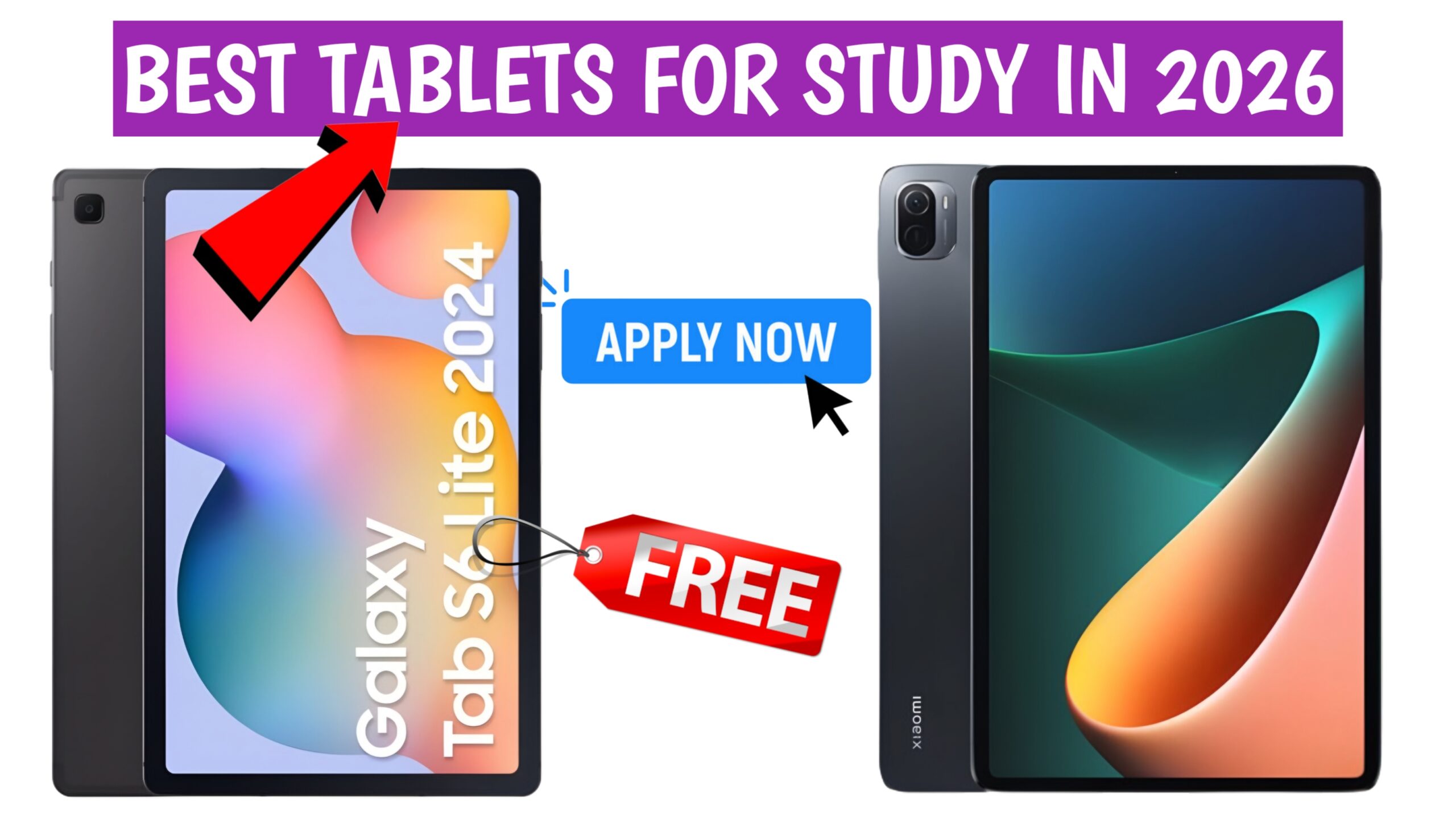
Best Tablets for Study in 2026 — Top Picks by Category
📘 1. Premium Choice for Students & Productivity
Samsung Galaxy Tab S10 Lite
- Why it works: Large display with good resolution and productivity features make it useful for note-taking, reading PDFs, and multitasking.
- Study use: With long battery life and strong performance, this tablet suits students who want reliable productivity tools without hefty price tags.
📗 2. Balanced Performance & Value
Xiaomi Pad 7
- Why it works: It offers a spacious screen, responsive performance for everyday tasks, and predictable smooth performance.
- Study use: Good choice for reading materials, taking notes, and video lectures.
🟡 3. Everyday Reliable Tablet
OnePlus Pad Go
- Why it works: Combines decent hardware with long battery life, ideal for everyday study tasks.
- Study use: Great for browsing notes, lightweight multitasking, and online classes.
📙 4. Mid-Range All-Rounder
Lenovo Tab Plus Wi‑Fi
- Why it works: A solid all-purpose tablet with good balance of performance and display size.
- Study use: Suitable for reading, organizing documents, and general study use.
🟢 5. Budget-Friendly Entry Tablet
Lenovo Tab M11
- Why it works: Offers respectable performance at an accessible price.
- Study use: Good for reading textbooks, online research, and light note-taking.
🔹 6. Best Budget Starter Tablet
OnePlus Pad Lite
- Why it works: A compact, affordable tablet that covers basic tasks.
- Study use: Excellent choice for students who are starting with online classes and need a simple, low-cost device.
Tablet Decisions Based on Study Needs
🧠 Best for Note-Taking & Writing
- Samsung Galaxy Tab S10 Lite — supports S Pen (may be included or optional), offering responsive stylus input for handwritten notes and diagrams.
📚 Best for Textbook Reading & PDFs
- Xiaomi Pad 7 — large screen and responsive display help with reading long texts and annotating documents.
👨💻 Best for Multitasking & Classes
- OnePlus Pad Go — good all-day battery and enough processing power for split-screen work and lecture viewing.
💸 Best Under Budget
- Lenovo Tab M11 and OnePlus Pad Lite — great for foundational tasks like online video lectures, note-taking apps, and browsing study resources.
Real User Scenarios — How Tablets Help Students Learn
Let’s look at practical examples where students benefit from tablets:
- A college student uses a tablet with a stylus to annotate lecture PDFs and take handwritten notes while attending online classes, making revision easier.
- Another student uses a large display tablet to organize research materials and split-screen apps — one side for reading notes, the other for writing assignments.
- Students preparing for exams find long battery life helpful for extended study sessions without frequent charging.
These scenarios reflect how tablets support real academic activities better than basic smartphones or entry laptops.
What Students and Parents Are Looking For (2026 Trends)
Student communities and reviews highlight common priorities:
- Stylus support and palm rejection for comfortable handwriting.
- Balanced CPU and RAM for running multiple apps smoothly.
- Large and bright displays that reduce eye strain during long reading sessions.
- Long battery life to avoid interruptions during study blocks.
- Good software support for educational apps and productivity tools.
These user insights align with what tablet reviewers and buyer guides recommend for academic use.
Tablet Buying Tips for Study in 2026
To choose the right study tablet:
- Decide your main tasks: Note-taking, reading, online classes, or research.
- Check stylus support: Essential for handwritten notes and diagrams.
- Look at battery life: Aim for at least 8+ hours of real usage on a single charge.
- Compare storage and expansion options: More storage helps with ebooks and downloaded lectures.
- Read real user feedback: See how tablets perform in everyday use, not just specs.
Best Tablets For Study in 2026: Price, Features & Student Use
1. Apple iPad 11″ (A16 Chip)
- Price: ~₹33,990
- Specs: Liquid Retina Display, 128GB storage, Wi-Fi 6, 12MP front/back cameras.
- Why it works: Reliable performance, strong app ecosystem, long-term updates.
- Case Study: A design student in Bengaluru uses the iPad for note-taking and project sketches, citing seamless integration with Apple Pencil.
2. Samsung Galaxy Tab S10 Lite
- Price: ~₹40,000
- Specs: Pen in-box, Snapdragon Elite processor, 5G support, large AMOLED screen.
- Why it works: Affordable entry into Samsung’s premium ecosystem.
- Case Study: A medical student in Lucknow uses Tab S10 Lite for annotating PDFs and attending online lectures.
3. OnePlus Pad Go 2
- Price: ~₹25,999
- Specs: 12.1-inch 2.8K display, Dolby Vision, 120Hz refresh rate, 10050mAh battery.
- Why it works: Balanced performance at mid-range price.
- Case Study: A law student in Pune chose Pad Go 2 for its large screen and battery life during long study sessions.
4. Microsoft Surface Pro 11
- Price: ~₹85,000
- Specs: Detachable keyboard, Windows 11, strong multitasking.
- Why it works: Best for students needing laptop-level performance.
- Case Study: An MBA student in Hyderabad uses Surface Pro 11 for presentations and Excel-heavy assignments.
5. Amazon Fire Max 12
- Price: ~₹20,000
- Specs: Large screen, optimized for e-books and streaming, parental controls.
- Why it works: Budget-friendly option for reading and basic study apps.
- Case Study: A high school student in Chennai uses Fire Max 12 for e-books and online classes, citing affordability.
📊 Comparison Table
| Tablet | Price (₹) | Key Feature | Best For |
|---|---|---|---|
| Apple iPad 11″ | 33,990 | App ecosystem + Pencil | Design & creative students |
| Samsung Galaxy Tab S10 Lite | 40,000 | Pen in-box + 5G | Medical & engineering students |
| OnePlus Pad Go 2 | 25,999 | Large battery + 120Hz | Law & commerce students |
| Microsoft Surface Pro 11 | 85,000 | Laptop-level multitasking | MBA & professional courses |
| Amazon Fire Max 12 | 20,000 | Budget e-reader | High school students |
🔍 Key Insights for Students
- Battery life matters: OnePlus Pad Go 2 leads with 10050mAh, ideal for long study sessions.
- Stylus support: Samsung Tab S10 Lite and iPad 11″ are best for note-taking.
- Budget vs. performance: Fire Max 12 is affordable, but Surface Pro 11 offers unmatched productivity.
- App ecosystem: iPad remains the leader for study apps and creative tools.
🚀 Conclusion: Making the Smart Choice in 2026
Tablet buying in 2026 isn’t about chasing the most expensive model—it’s about matching your study needs with the right device.
- Problem: Rising costs and overwhelming choices.
- Agitation: Confusion over specs, battery life, and usability.
- Solution: Practical picks like iPad 11″, Galaxy Tab S10 Lite, OnePlus Pad Go 2, and Fire Max 12.
👉 If you’re a high school student, go for Amazon Fire Max 12. 👉 If you’re a college student, OnePlus Pad Go 2 balances price and performance. 👉 If you’re in professional courses, Surface Pro 11 or iPad 11″ makes sense.
Is It Worth Spending ₹80,000+ On A Premium Tablet Like The iPad or Surface Pro?
- Long-Term Updates
- Apple and Microsoft provide 5–7 years of software support.
- Ensures security and performance for the entire academic cycle.
- High Performance
- Premium tablets use powerful processors suitable for multitasking.
- Ideal for heavy tasks like 3D modeling, coding, or advanced presentations.
- Laptop-Level Productivity
- Surface Pro 11 doubles as a laptop with detachable keyboard.
- iPad Pro supports Apple Pencil for design and note-taking.
- Professional & Academic Use
- Best suited for engineering, design, MBA, and professional courses.
- Handles complex apps like AutoCAD, Excel, and Adobe tools smoothly.
- Mid-Range Alternatives
- Tablets like Samsung Galaxy Tab S10 Lite or OnePlus Pad Go 2 cost half the price.
- Sufficient for note-taking, online classes, and reading PDFs.
- Resale Value
- Premium tablets retain better resale value compared to budget models.
- Apple devices especially hold demand in second-hand markets.
- Budget Consideration
- Spending ₹80,000+ only makes sense if advanced features are required.
- For everyday study needs, mid-range tablets remain the smarter choice.
👉 In short: Premium tablets are worth it for students who need high performance and long-term support. For most learners, mid-range tablets deliver excellent value at lower cost.